
How to Create a Lead-Generating Website
Your website should do more than make your business look professional.
It should help the right people find you, understand what you offer, trust your business and take the next step. That could mean calling your office, booking an appointment, requesting a quote, submitting a form or visiting your location.
Many business websites provide information but do not generate consistent leads. They may look clean, but the message is unclear. They may receive traffic, but the calls-to-action are easy to miss. They may collect inquiries, but those leads are not connected to a reliable follow-up system.
A lead-generating website is different. Every page has a purpose. The content answers real customer questions. The design removes friction. The website builds confidence and guides visitors toward a meaningful action.
For businesses across Niagara, this matters because local customers often compare several companies before deciding whom to contact. A strong website should position your business as the clear, credible and convenient choice.
Here are 10 practical steps for creating a website that turns more visitors into real opportunities.
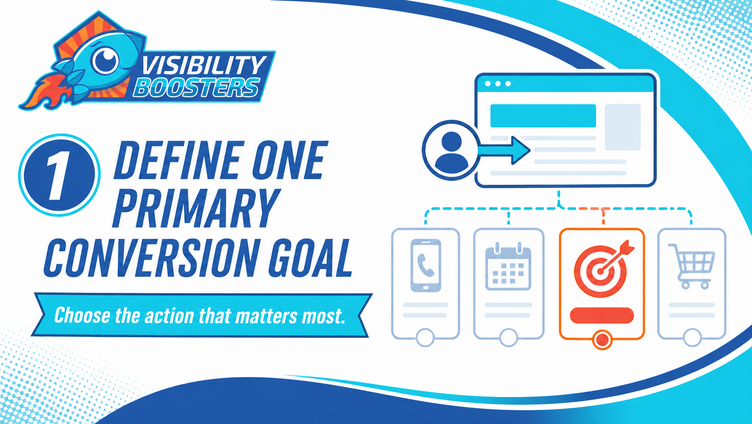
1. Define One Primary Conversion Goal
Before choosing colours, layouts or page sections, decide what you want visitors to do.
For one business, the most valuable action may be a phone call. For another, it may be an online booking, a consultation request, a quote form or a purchase. Your website can offer several contact options, but one action should be treated as the primary conversion goal.
This goal gives the entire website direction. It affects the wording in your hero section, the buttons you use, the information you request in a form and the way you measure success.
If every page asks visitors to do something different, the experience can feel scattered. When the primary action is clear, the website becomes easier to understand and more likely to convert.
Lead-generating essentials:
Choose one main conversion goal, identify one or two secondary actions, use consistent button wording and track every completed call, booking or form submission.

2. Make Your Value Clear Above the Fold
Visitors should understand your business within seconds of landing on your website.
The first visible section of a page should clearly explain what you do, who you help, where you serve customers and why someone should continue. It should also include an obvious next step.
Avoid opening with a vague slogan that could apply to almost any company. Statements such as “Quality You Can Trust” may sound positive, but they do not tell a visitor whether they are in the right place.
A stronger opening is specific. For example, a contractor serving Niagara could identify the service, the ideal customer and the service area in one clear headline. Supporting text can then explain the primary benefit, while a strong button invites the visitor to request a quote.
Lead-generating essentials:
Use a specific headline, a short benefit-focused description, a clear service-area reference, one primary call-to-action and an image that supports the offer.

3. Design Around Your Ideal Customer
A lead-generating website is built around the customer’s decision, not the company’s internal structure.
Think about what a potential customer wants to know before calling. What problem are they trying to solve? What are they worried about? What information would make them comfortable taking the next step? What objections could stop them?
Your content should answer those questions in a natural order. Start by showing that you understand the visitor’s situation. Explain the relevant service, describe your process, provide proof and make contact easy.
This customer-focused approach also improves the quality of your leads. When visitors understand what you offer, which areas you serve and what to expect, they are more prepared to have a productive conversation with your team.
Lead-generating essentials:
Identify your ideal customer, list their most common questions, address their concerns, explain your process and write in plain language that sounds like a helpful conversation.
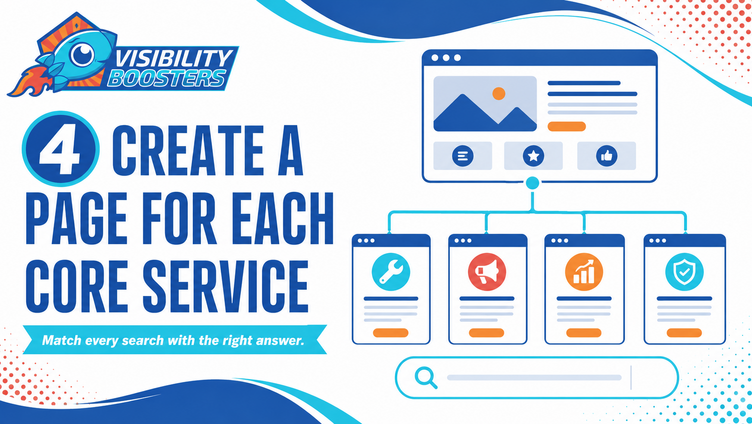
4. Create a Page for Each Core Service
Trying to explain every service on one page limits both clarity and search visibility.
Each major service should have its own page with a focused headline, useful details, relevant proof, frequently asked questions and a call-to-action. This gives potential customers the information they need without making them search through unrelated content.
Dedicated service pages also help search engines understand what your business offers. A general “Services” page may provide a useful overview, but it usually cannot target every service and customer need effectively.
For a business serving Niagara, each service page should clearly explain the service, who it is for and which communities the business serves. The information should be useful and specific rather than repeating a city name unnaturally.
Lead-generating essentials:
Build one page for each core service, answer service-specific questions, include original examples or photos, link related pages together and place a relevant call-to-action on every page.
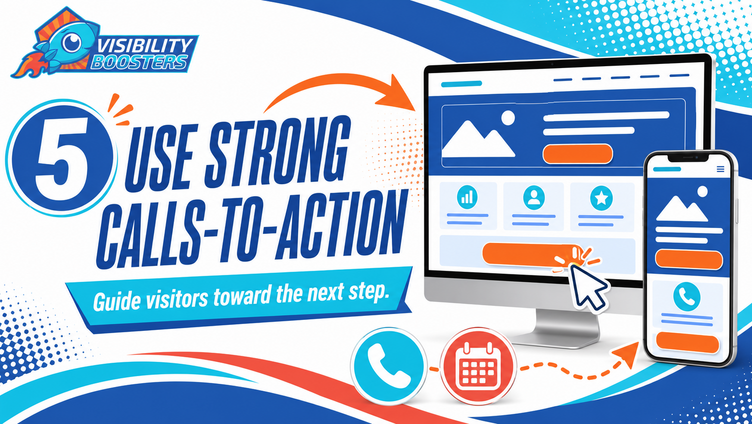
5. Use Strong Calls-to-Action
Do not assume visitors will know what to do next.
A call-to-action should clearly describe the next step. “Request a Quote,” “Book Your Appointment,” “Call for Emergency Service” and “Schedule a Consultation” are more useful than a vague button such as “Learn More.”
Calls-to-action should appear where a visitor may be ready to act: in the hero section, after an important benefit, near testimonials or other trust signals, alongside helpful pricing information and at the end of the page. On mobile devices, click-to-call and booking options should be especially easy to find and tap.
The wording should match the visitor’s level of commitment. Someone early in the buying process may be more comfortable requesting information, while someone on a high-intent service page may be ready to book.
Lead-generating essentials:
Use action-specific button text, repeat the main action at logical points, make buttons visually distinct, include click-to-call on mobile and ensure every button goes to the correct destination.

6. Build Trust With Real Proof
People are more likely to contact a business when they can see evidence behind its claims.
Reviews, testimonials, project photos, case studies, team profiles, certifications, guarantees and before-and-after examples all reduce uncertainty. They show visitors that your business is active, experienced and trusted by real customers.
Place trust-building proof near the claim or action it supports. A service page is stronger when it includes a review about that service. A quote request becomes less intimidating when it sits near a brief explanation of what happens next. A team photo can make a professional office feel more familiar before the first appointment.
Whenever possible, use real photos from your business instead of generic stock imagery. Local customers want to see the people, work and environment they can expect.
Lead-generating essentials:
Add recent reviews, show real work, introduce the team, display relevant credentials, explain guarantees clearly and connect each trust signal to the service being considered.
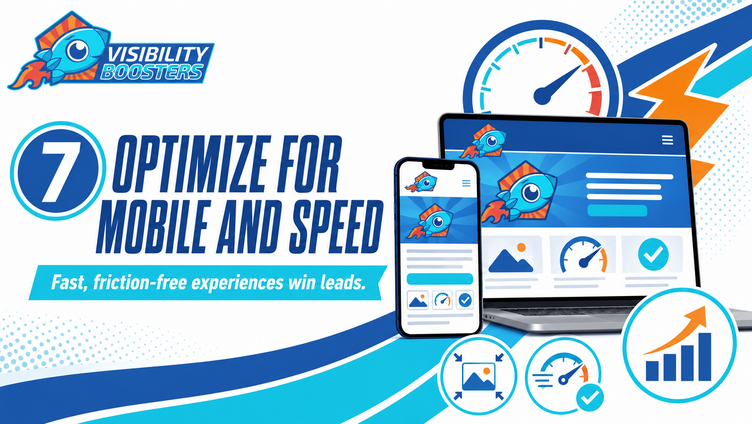
7. Optimize for Mobile and Speed
A website cannot generate leads effectively if visitors have to wait, pinch, zoom or fight with the layout.
Many local searches happen on phones. A potential customer may be comparing providers while on the go, at a job site, in a waiting room or at home. They need to find the important information and take action quickly.
Responsive design should do more than shrink the desktop page. Headlines need to fit, buttons need to be easy to tap, forms need to be simple and important content should appear in the right order. Large images and unnecessary scripts should be optimized so the website loads quickly on a mobile connection.
Test the actual experience on several screen sizes. A page can look fine in a website editor and still create problems on a real phone.
Lead-generating essentials:
Compress images, remove unnecessary scripts, use readable type, keep buttons tap-friendly, simplify mobile menus and test speed, forms and calls-to-action on real devices.
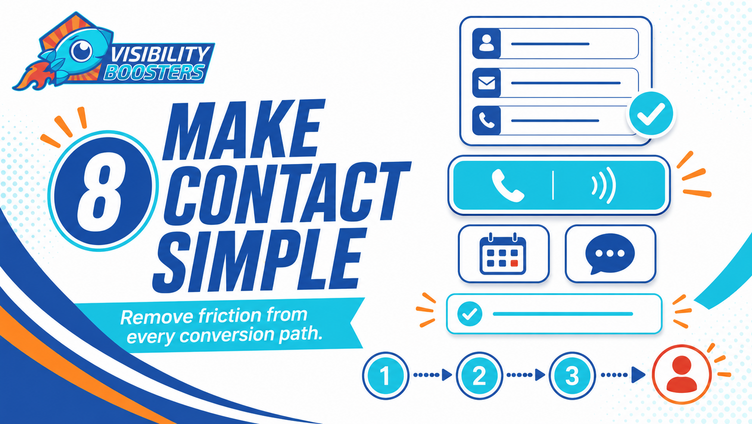
8. Make Contact Simple
Every unnecessary step gives a potential lead another chance to leave.
Keep initial forms short. Ask only for the information your team needs to begin the conversation. In many cases, a name, phone number or email address, service interest and short message are enough. Your team can collect additional details during the follow-up conversation.
Give visitors a contact option that matches their preference. Depending on the business, that may include a phone call, form, online booking, live chat or text message. Do not hide these options behind several pages.
After a submission, clearly confirm that the message was received and explain what happens next. If possible, send an immediate email or text confirmation so the lead knows the request did not disappear.
Lead-generating essentials:
Shorten forms, make the phone number clickable, show contact options consistently, confirm every submission, set response expectations and test the full process regularly.
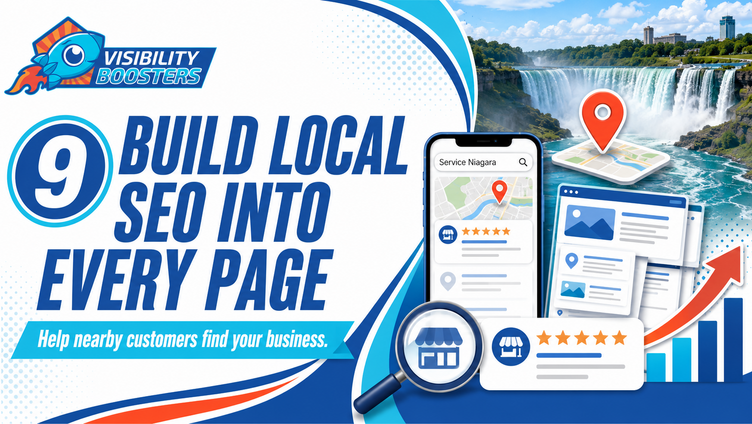
9. Build Local SEO Into Every Page
A website can only generate leads when the right people can find it.
Local SEO helps search engines connect your services with customers in the communities you serve. That starts with a clear website structure, descriptive page titles, useful service content, accurate contact information, helpful internal links and clear references to the communities you genuinely serve.
Your website should also support your Google Business Profile. Business information should be consistent, location and service details should be easy to confirm, and the pages linked from your profile should accurately explain the services you provide.
Helpful blog content can expand your visibility by answering the questions customers ask before they are ready to contact a business. The goal is not to publish for the sake of publishing. Each article should address a real search need and guide the reader toward a relevant service.
Lead-generating essentials:
Optimize titles and descriptions, create service-specific pages, use consistent business details, add appropriate schema markup, keep your Google Business Profile aligned with your website and publish genuinely helpful local content.
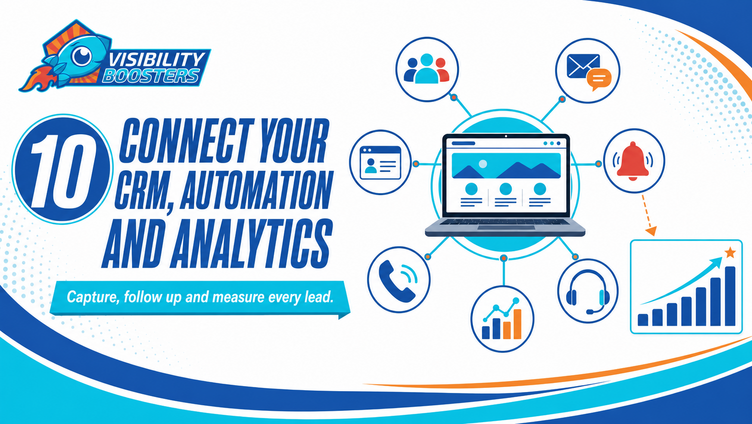
10. Connect Your CRM, Automation and Analytics
Submitting a form should be the beginning of the lead process, not the end.
Connect your website to a CRM so every inquiry is captured in one place. Set up immediate notifications for your team and useful confirmations for the customer. Automated email or text follow-up can keep the conversation moving when someone cannot be reached right away.
Call tracking, form tracking and analytics show which pages, campaigns and search terms are producing opportunities. Without that information, a business may know it is receiving traffic but not understand what is creating revenue.
This is where your website becomes part of a complete marketing and sales system. Strategic website design, SEO, digital advertising, Booster HUB CRM, automation and AI receptionist tools can work together to capture more opportunities and reduce the chance that a lead is forgotten.
Lead-generating essentials:
Connect forms to your CRM, notify the right team member, confirm inquiries immediately, create a follow-up process, track calls and forms and review conversion data every month.
Why Lead Generation Matters for Niagara Businesses
Customers across Niagara have many businesses to choose from.
Whether someone needs a contractor, clinic, professional service, restaurant, retailer or local experience, they will often search online and compare several businesses before making contact.
Your website does not need to be complicated, but it must be clear, credible and easy to use. It should answer the visitor’s most important questions, show real proof and remove every unnecessary barrier between interest and action.
A lead-generating website works because all of its parts support the same journey:
The right customer finds a relevant page.
The message immediately makes sense.
The content answers questions and builds trust.
The next step is obvious and easy.
The inquiry is captured, followed up and measured.
That is the difference between a website that simply exists and one that actively helps a business grow.
Is Your Website Generating Enough Leads?
Your website should be one of the hardest-working parts of your business.
If it receives visitors but produces very few calls, bookings or quote requests, the problem may not be traffic alone. Your message, page structure, trust signals, calls-to-action, contact process or follow-up system may need attention.
Visibility Boosters helps Niagara businesses build conversion-focused websites that look professional, improve search visibility and turn more visitors into qualified leads. We connect strategic website design, SEO, Booster HUB CRM, automation, lead tracking and AI receptionist solutions so your online presence works as one coordinated system.
Ready to create a website that generates more opportunities for your business? Contact Visibility Boosters for a website review and a practical plan to improve your visibility, lead capture and follow-up.
Visit Visibility Boosters to learn more.